Payroll → Other → North Dakota Reports → ND PERS Deferred Compensation
What This Process Does
Creates a text file for contributions that can be uploaded to the North Dakota Public Employee Retirement System.
Report Requirements as of January 1, 2026
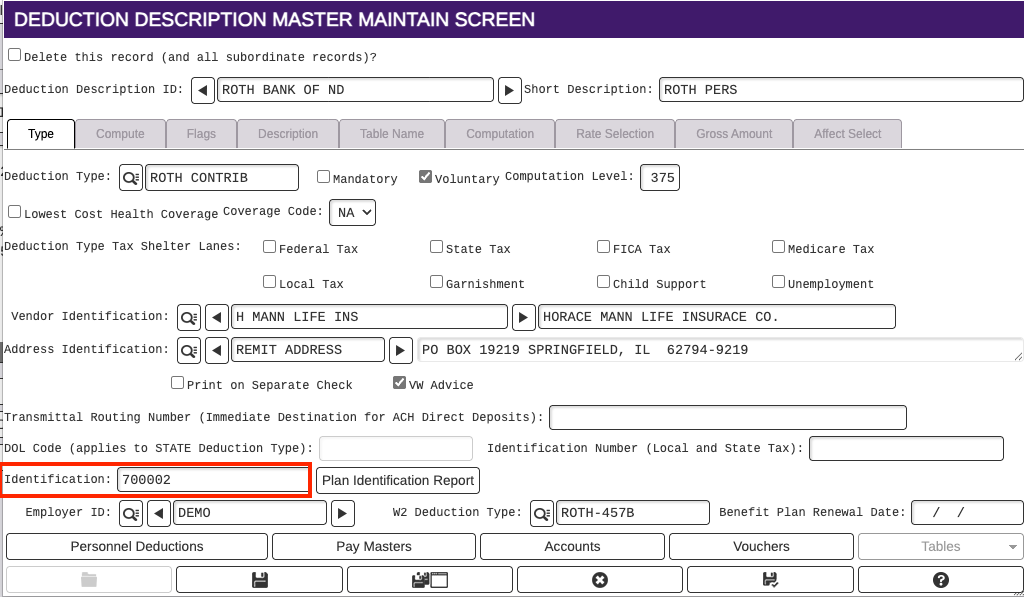
- Providers are required to be included on the file which should be set up on the Deduction Description Identification field
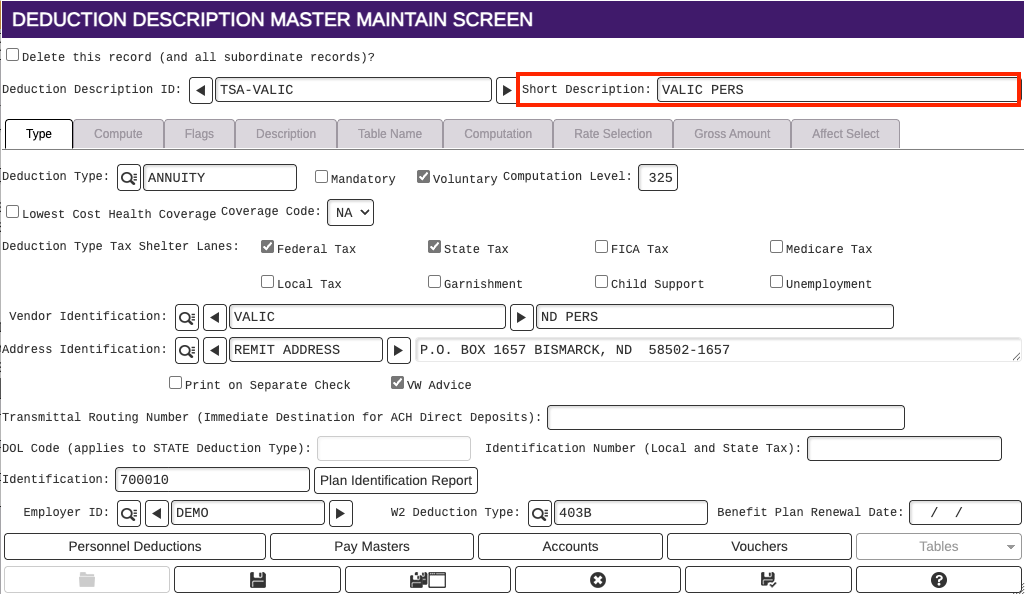
- The Deduction Description ID Short Descripton must contain PERS
ND PERS Deferred Compensation Report
Payroll → Other → North Dakota Reports → ND PERS Deferred Compensation
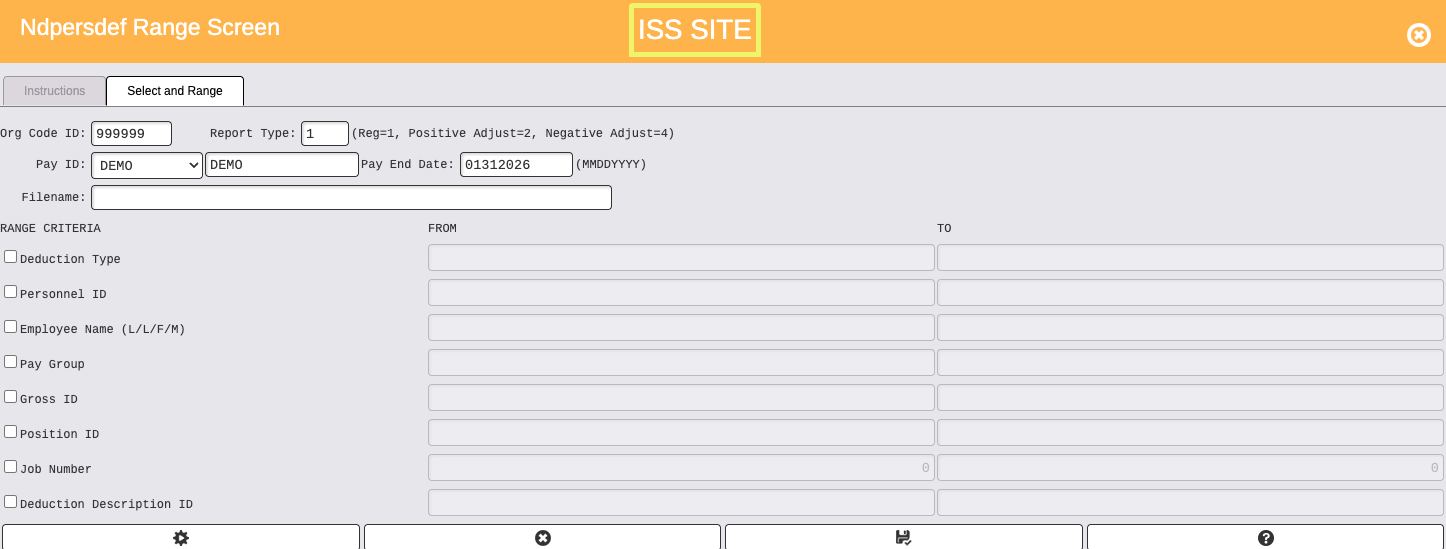
- Enter Organization Code ID
- Report Type is 1 for a regular submission
- Select Pay ID for reporting month
- Enter Pay End Date for the Pay ID selected
- There is no need for further ranging
- Click on Cog Wheel/Select icon at the bottom left
- Employee contributions will display in the Ndpersdef Browse
- Click on Select to view more details for each line
- Click on Printer/Continue at the bottom to continue
- If the report needs to be cancelled, click on X to cancel and close
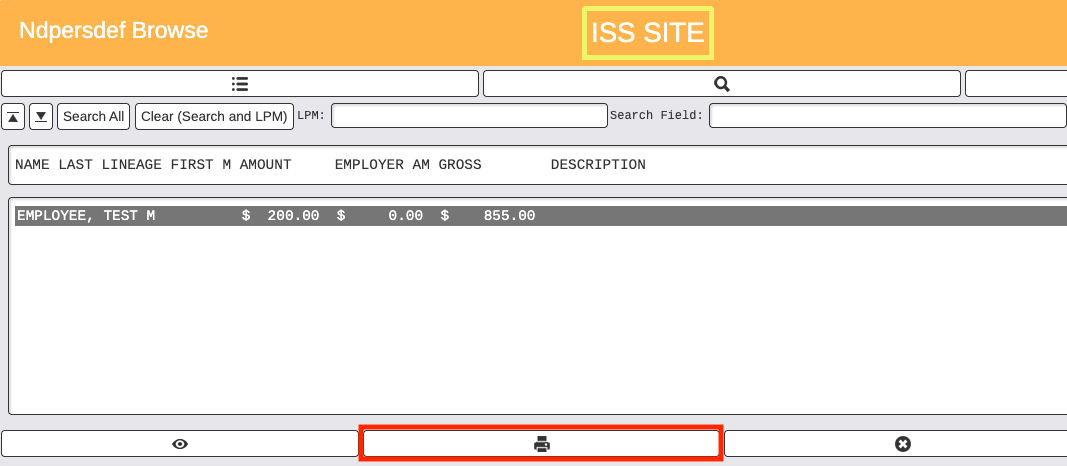
- After continuing, select printer button to view report
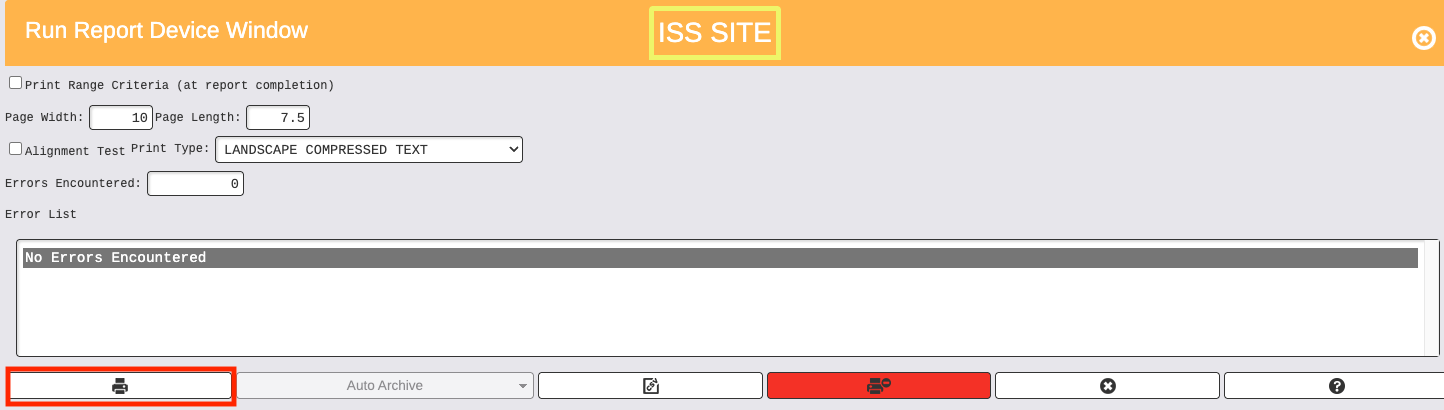
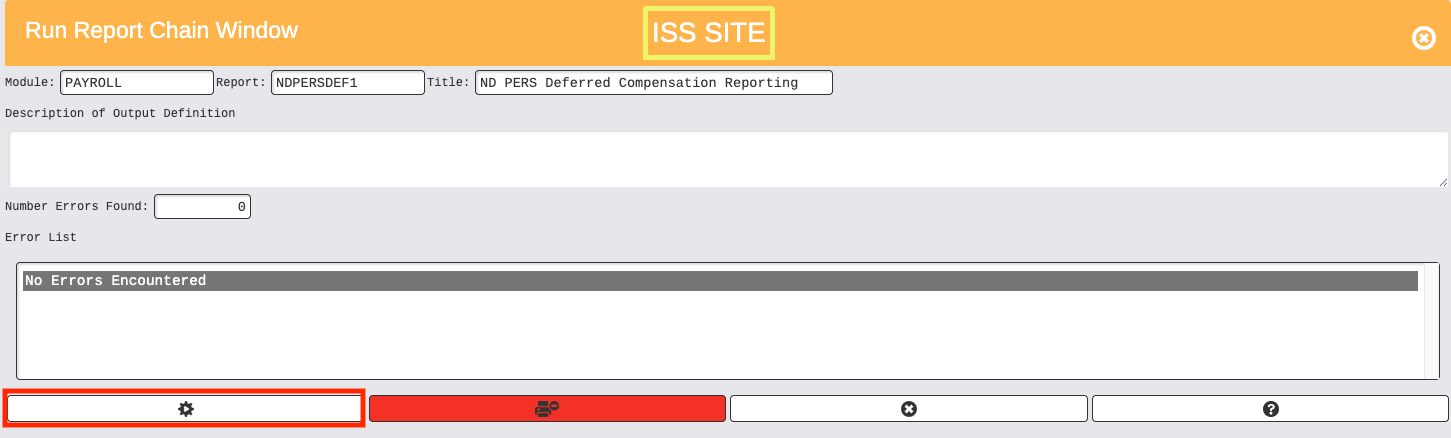
- After viewing the report, close the report and the Run Report Chain Window will open
- To create the file, click on the Cog wheel to update and create the file
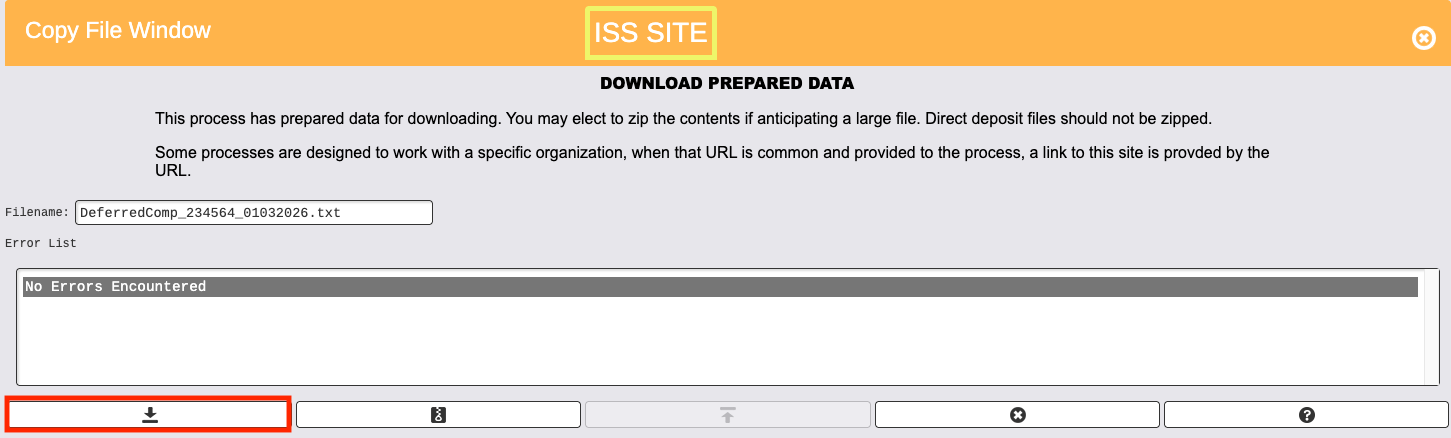
- Click on the down arrow to download the file to your computer