
- Ask client manager for their teams':
- first and last name
- position
- 3 initials
2. Add users by clicking on Admin Dashboard-> Employee -> Table View
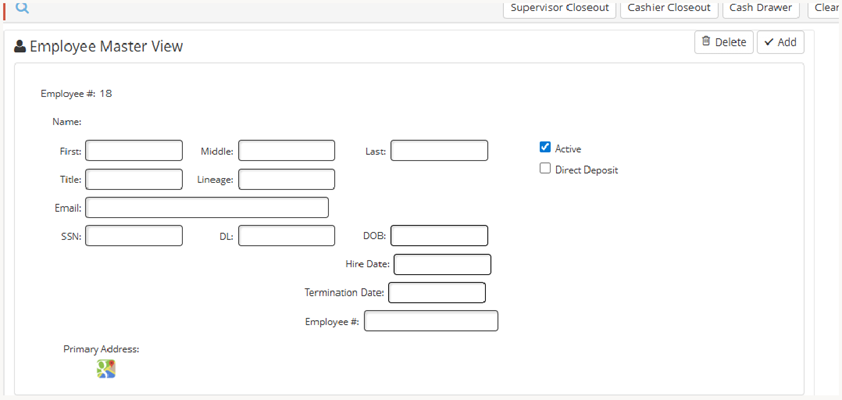
- Select Add+, which pulls up a blank Employee Master View
- Fill in first and last name, position, email then select Add
3. Scroll down to Roles then select Add
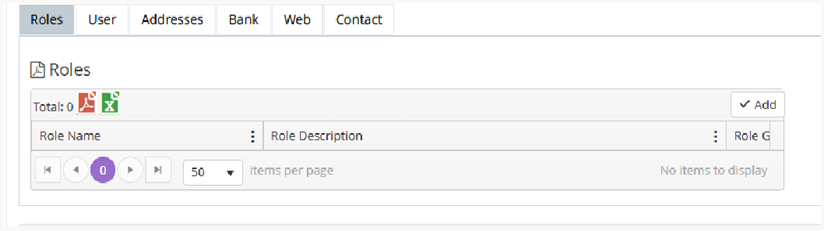
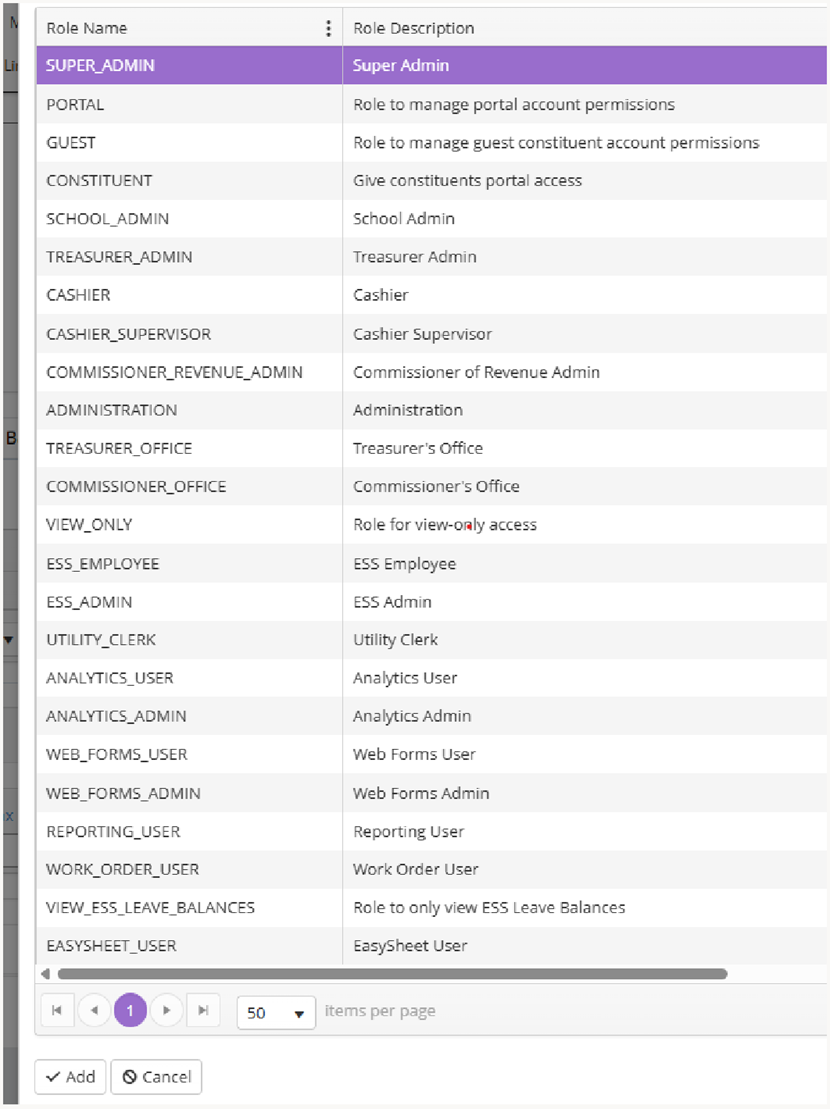
- All users are Super Users in Test and Secure until Product Manager determines differently
- Click on Super Admin then select Add
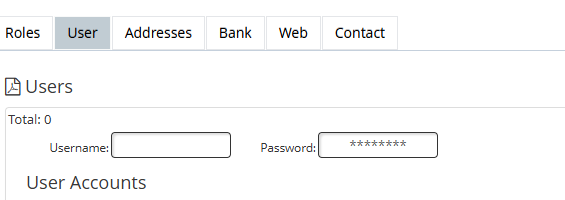
4. Go to User, the next tab
- Input three initials and set password to rdarocks890
5. Ask users to log in, then change password
- Go to blue Welcome box on top right hand side of screen on banner, select Settings and follow prompts