
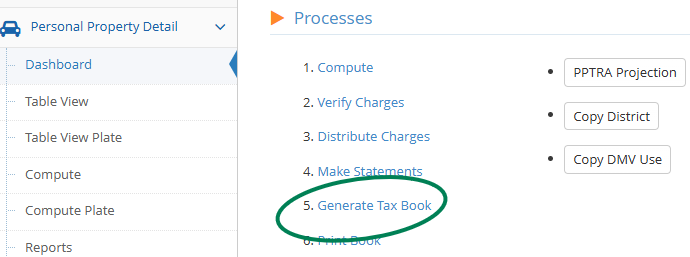
- Go to Personal Property Detail
- Select Dashboard
- Click on Generate Tax Book
4. get a popup box where you can enter rates
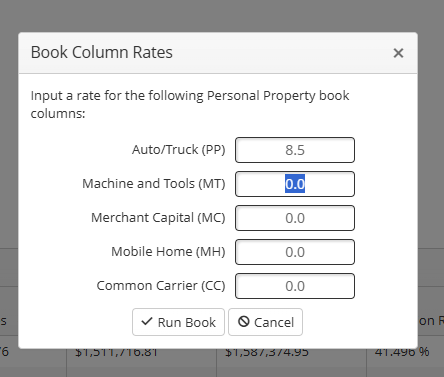
5. run book
6. message comes back to say book generated
7. Go to Reporting Dashboard, E-files and find book:
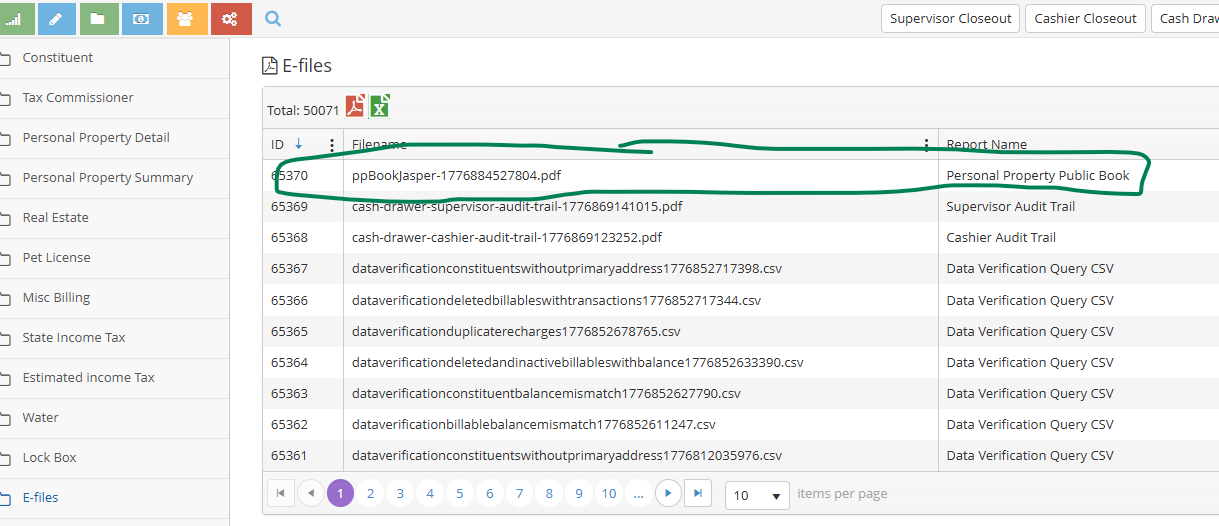
8. View e-file and the books shows rates that were input.