
Go to:
- Real Estate
- Parcel Inventory
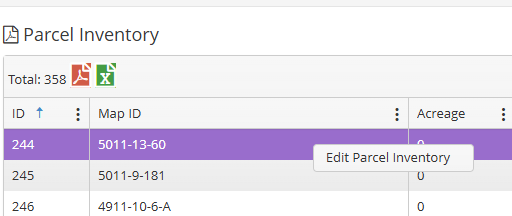
- Filter for Map ID, Address Line, etc. to find the property that needs to be changed
- Select the property it will highlight and create a box called Edit Parcel Inventory, click on that box:
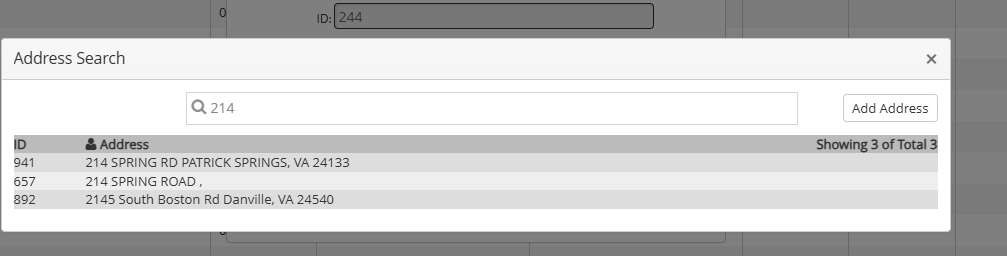
- Click on magnifying glass, begin typing in correct address. Available addresses matching what you typed in begin to appear, click on the correct address
- It will appear as the new address, if that is correct, click on Save box.
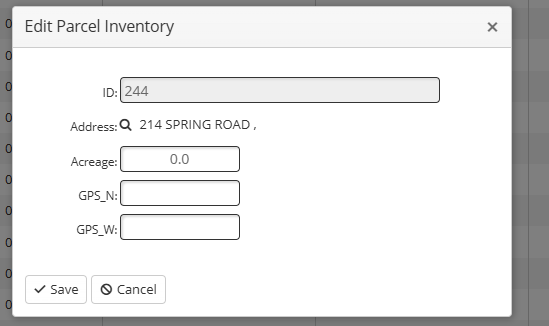
The new address will be in the Parcel Inventory and everything else.