This solution explains the 4.0 Breeze processes located in Finance ➝ Financial Management ➝ Other - Breeze Processes. These processes are used to send new set up to Revmgt or download financial transactions created in Revenue Management to RDA.
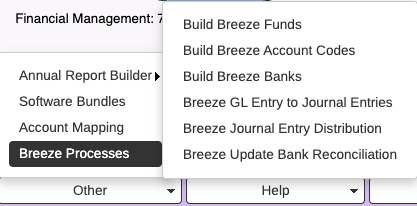
Build Breeze Funds, Build Breeze Account Codes and Build Breeze Banks are used when new funds, new account codes and new banks are added in RDA and need to be uploaded to Revmgt. These processes are only run when needed. When the menu item is selected, the process runs automatically. There is no range screen.
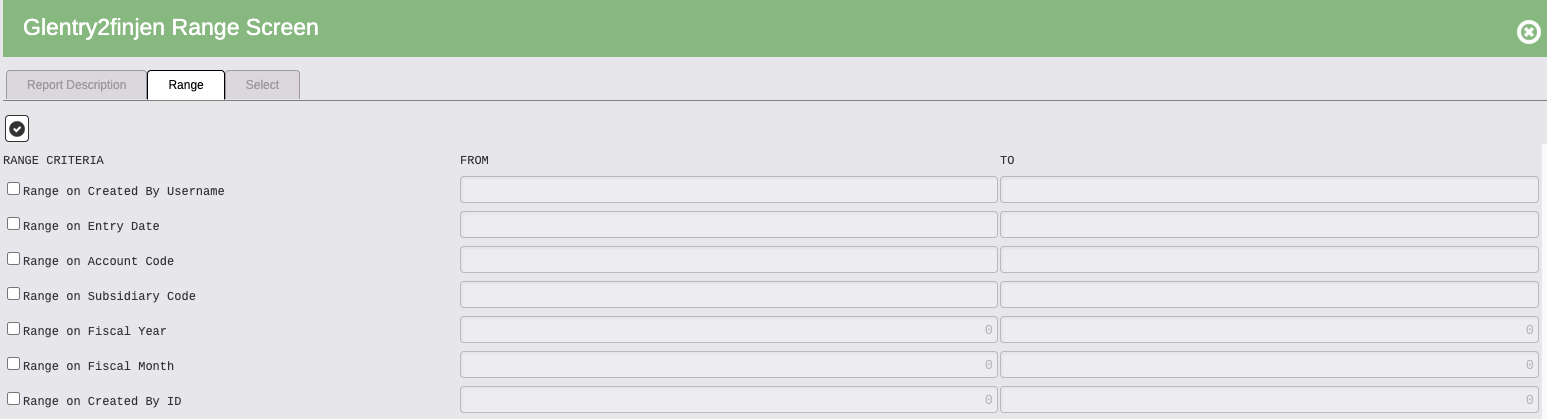
Breeze GL Entry to Journal Entries
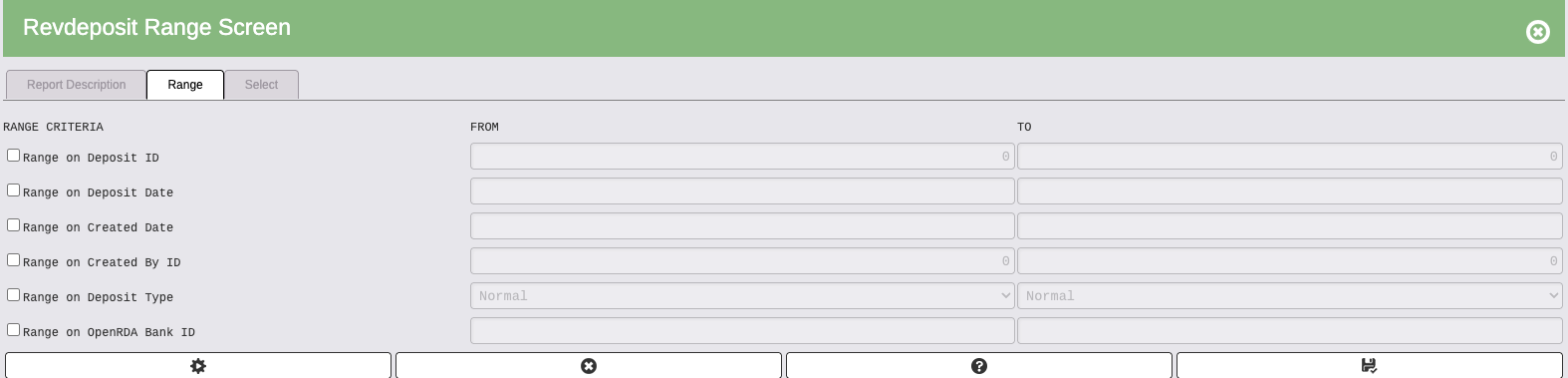
- Range on "Created By ID" to pull in a certain user's transactions
- An audit report will produce that includes all transactions that are downloading from Revmgt to RDA
- Set flags/Update to complete process
- Journal entries are added in Financial Management and set as verified
Breeze Journal Entry Distribution
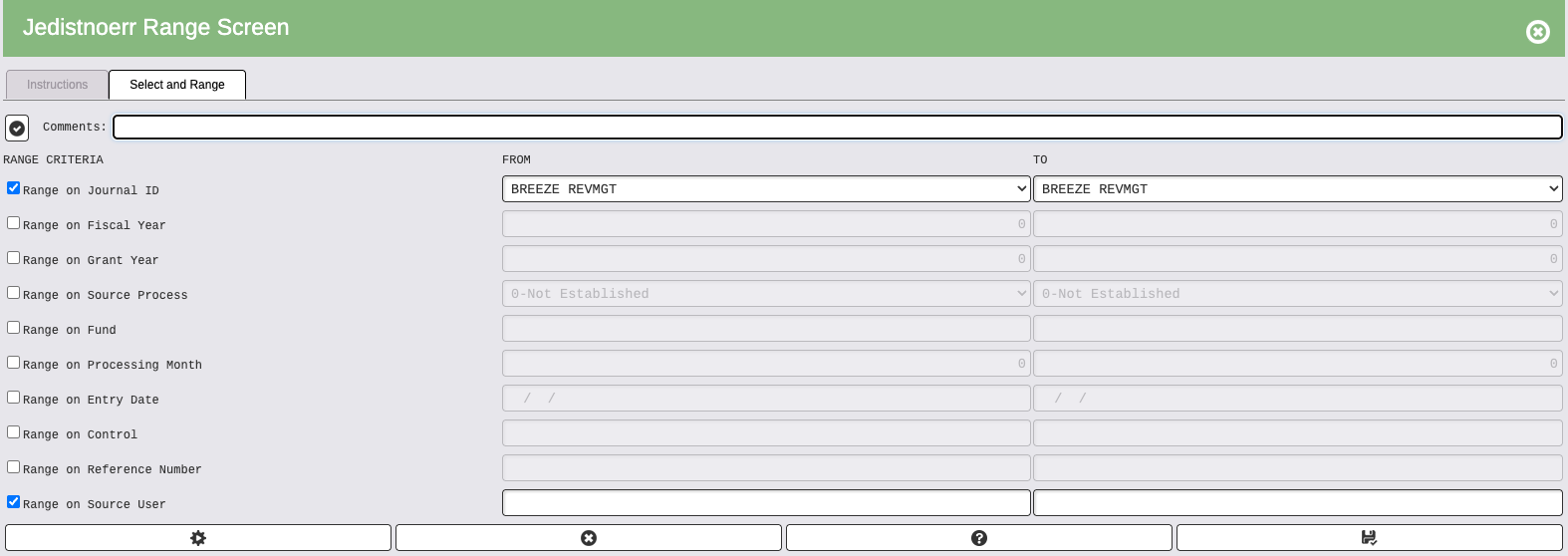
- Range on Journal ID and source user to distribute specific Journal Entries for a specific user
- Or range appropriately on journal entries that need to be distributed
- Leave Blank to distribute all journal entries for all users
- An audit report will produce that includes all journal entries
- Set flags/update to complete process
Breeze Update Bank Reconciliation
- Range on "Created By ID" to pull in a certain user's transactions
- Run report to update journal entries to Bank Reconciliation module
- An audit report will produce that includes all activity
- Set flags/update to complete process