Steps to process a refund in Revmgt and push to OpenRDA
1. Constituent menu
2. Table View
3. Find and select Constituent
3. Right-click, and select Refund in Context menu (if the refund is for a Joint Accout, you have to select ONE of the account members in the refund pop-up box)
4. Fill in Pop-up and click Refund
5. The Supervisor closeout for that day will give the User a Refund Report.
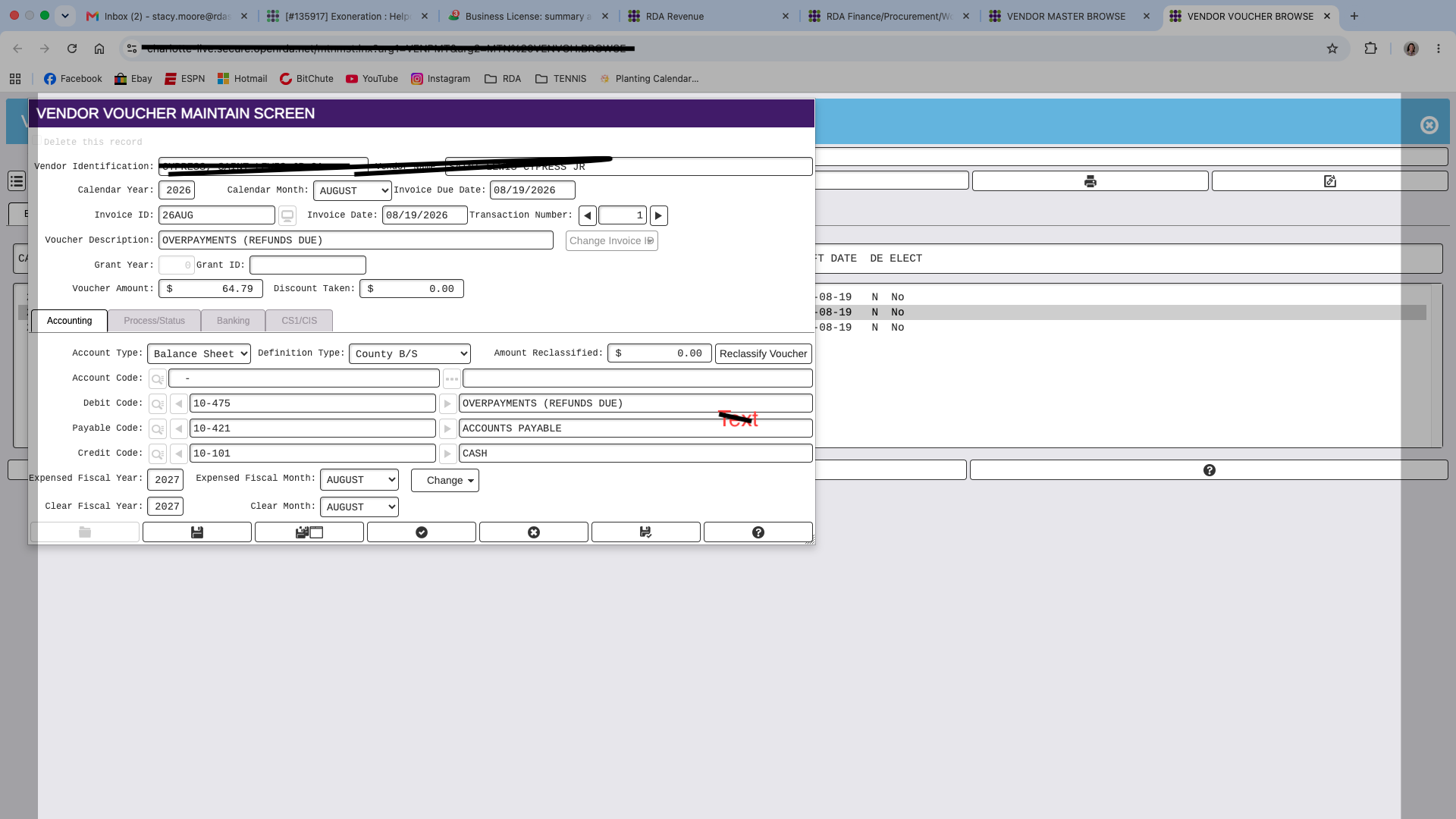
6. When the Pull over into OpenRDA is processed, A one-sided Journal Entry will be created.
7. Then in OpenRDA Vendor Payments, a Balance Sheet Direct Voucher will need to be created for the refund check to be processed for the Constituent.