
Creates a flat file to submit to the GA DOE for assignment of employee Stride IDs.
The Third Party ID field in Personnel Demographics will be used to store the Stride ID.
Requirements
- Employees must be set as current to be included in the file.
- Employees that currently have a Stride ID populated in the Third Party ID field will be excluded.
- School System ID Code is required to create the file.
- The fiscal year used in the file comes from the Current Fiscal Year in Financial Management under Setup ➞ Financial Management Setup ➞ Setup Variables ➞ Generic
GA DOE Stride ID Upload File
Payroll ➞ Other ➞ Georgia Reports
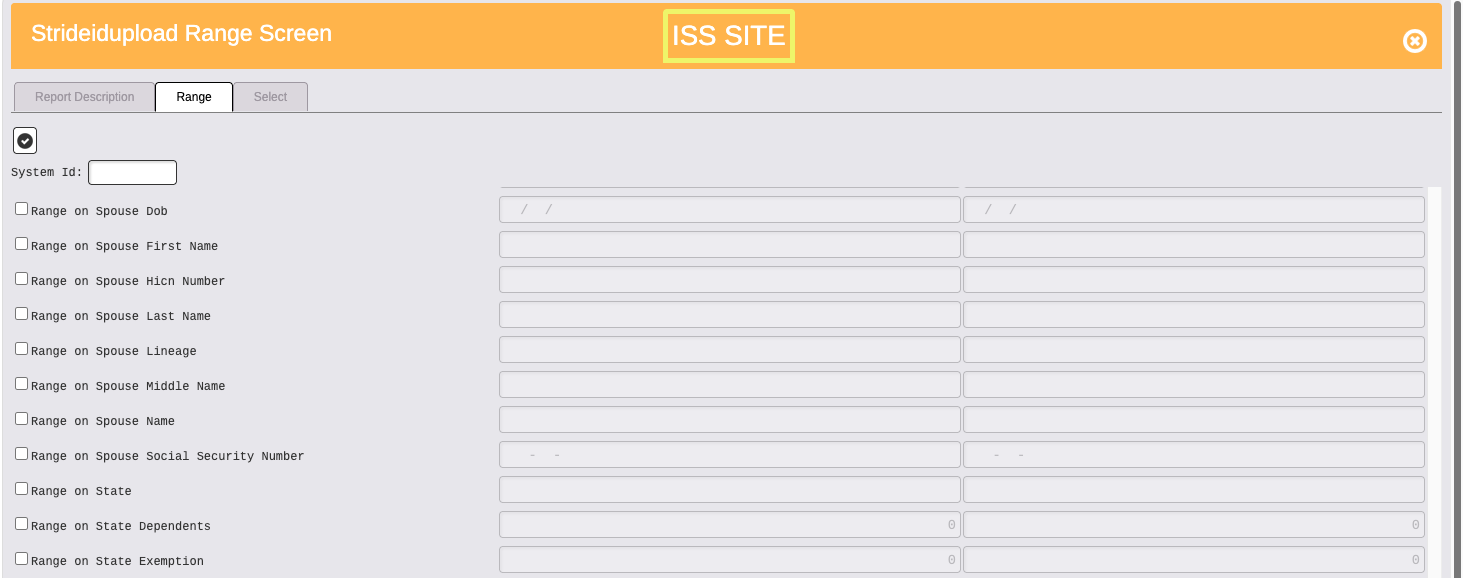
Enter System ID.
No ranging is necessary to include all current employees. Otherwise range as needed.
Click on cog wheel icon/Select to run file.
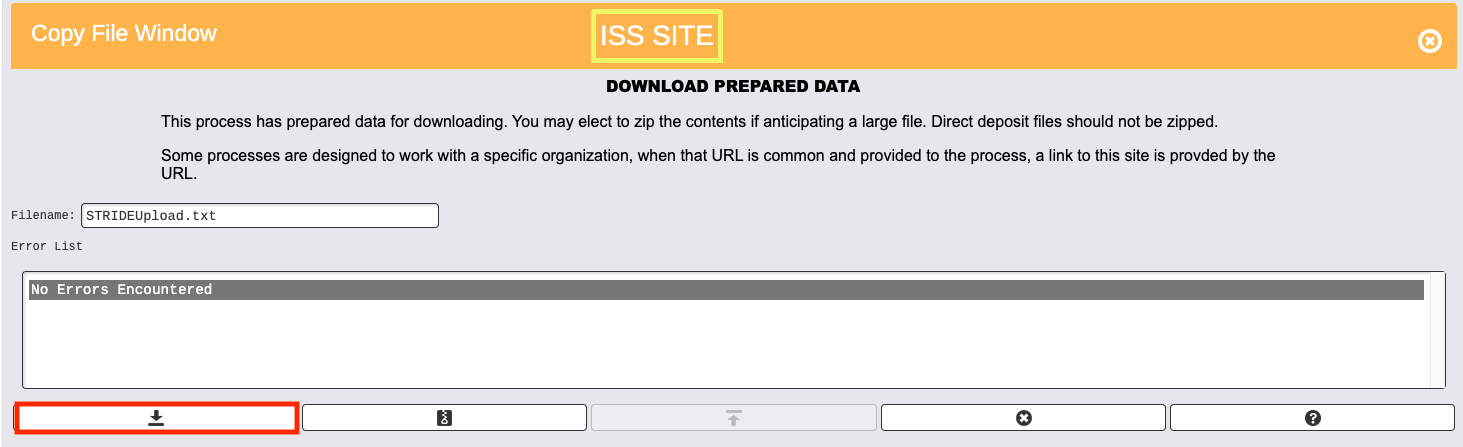
Click on down arrow to download file. Default file name is STRIDEUpload.txt. DO NOT open file. This could result in changing the file format.
Upload file to GA DOE.
There is no Stride ID import available. Once the file is received from GA DOE with Stride IDs assigned, please submit a help desk ticket requesting a Stride ID import, and RDA will import the first initial file to load the Stride IDs. Any future Stride IDs will be added individually by the client.