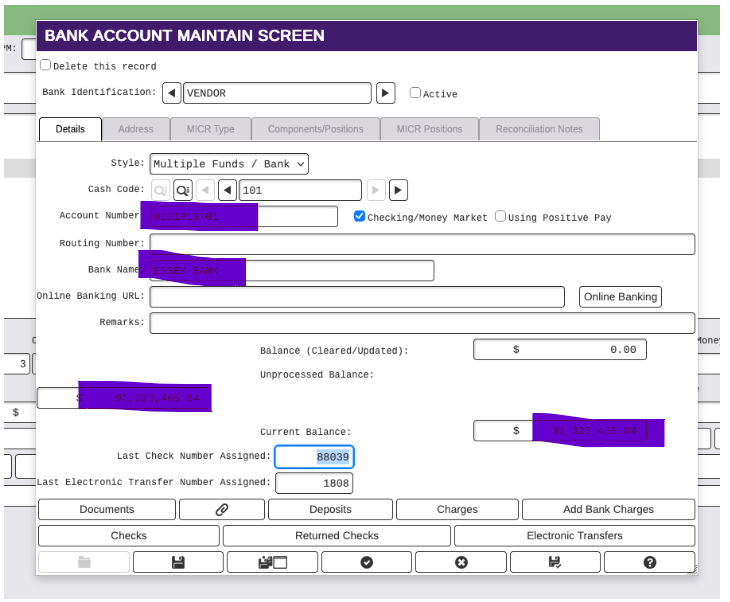
To change a beginning check number for assigning checks:
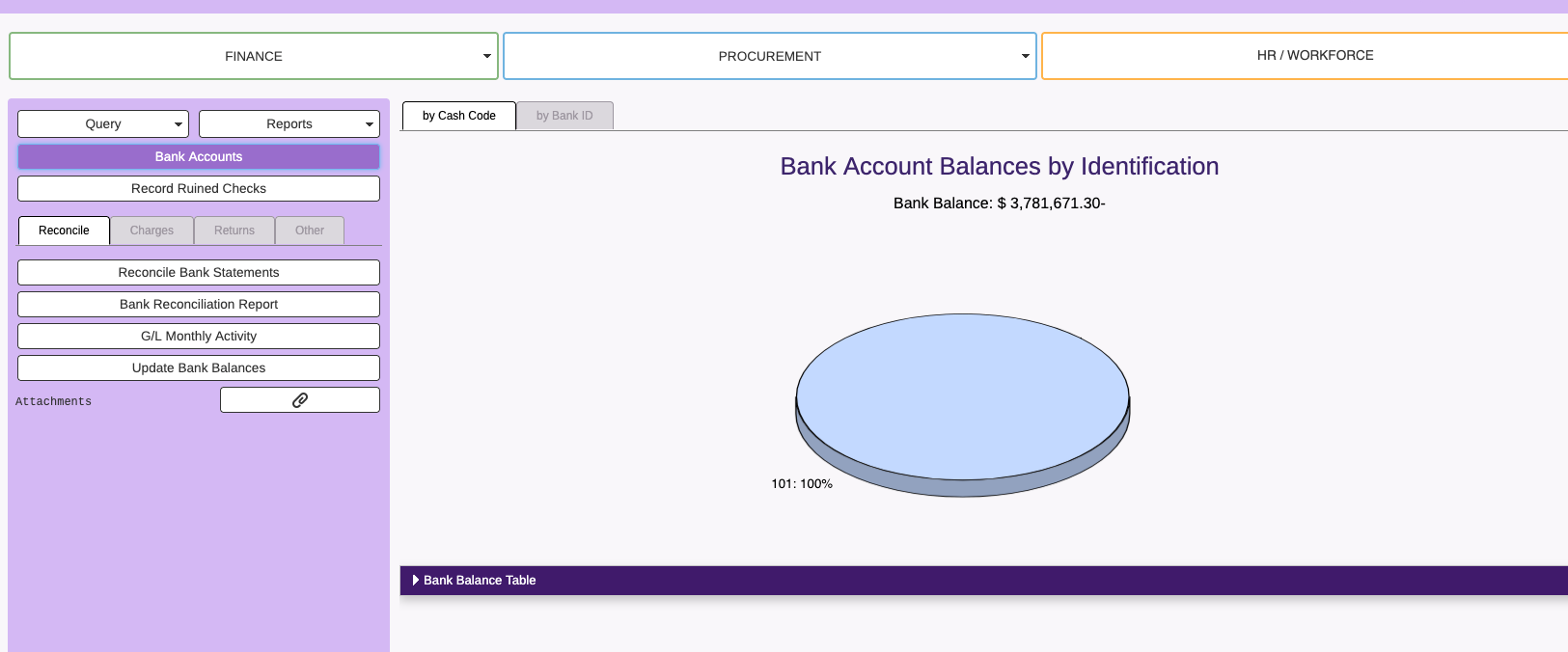
- Go to the Bank Reconciliation module
- Select Bank Accounts.
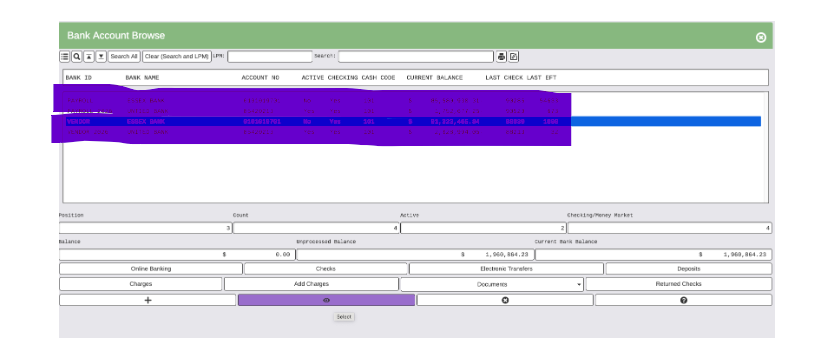
- Select the bank, it will highlight
- Change the last check number assigned and save. Note: If you want 5000 as the next check to be printed, then the last check number assigned will be your wanted first check number less 1, ex: 4999 is last check number assigned for 5000 to be next check printed.