What This Process Does
- Enables a User to change their OpenRDA login password.
Step 1 - My Settings
- Click on “My Settings” [the process wheel in the top right corner of the screen] (screenshot below).

Step 2 - Password Change
- On the Password Tab ~ Enter the New Password and then confirm the New Password (screenshot below).
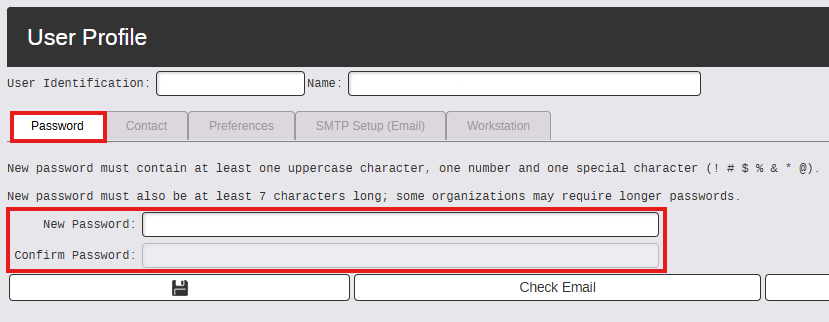
Requirements to save a password
- At least 7 digits
- Contains a capital letter
- Contains a number
- Contains one of these special characters (! # $ % & * and @)
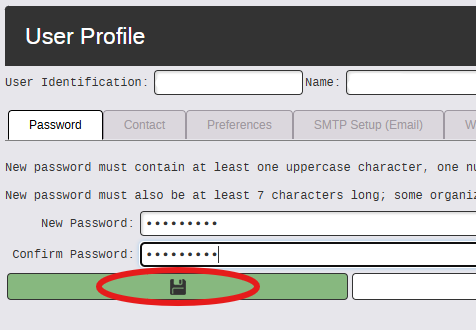
Step 3 - Save
- Click Save.